HOOD MOB How to install

A MINECRAFT BEDROCK ADD-ON

Three cities.
Zero starting coins.

Start with nothing. Earn Hood Coins, gear up and take the road from quiet Oakside to the skyscrapers of Kingpin Metropolis.

Hood Mob, by Toby (with a little AI sprinkling)

Download Hood Mob .mcaddon

v0.3.2 · 2.7 MB · Free download

Requires Minecraft Bedrock 1.21.100+. Not for Java Edition.

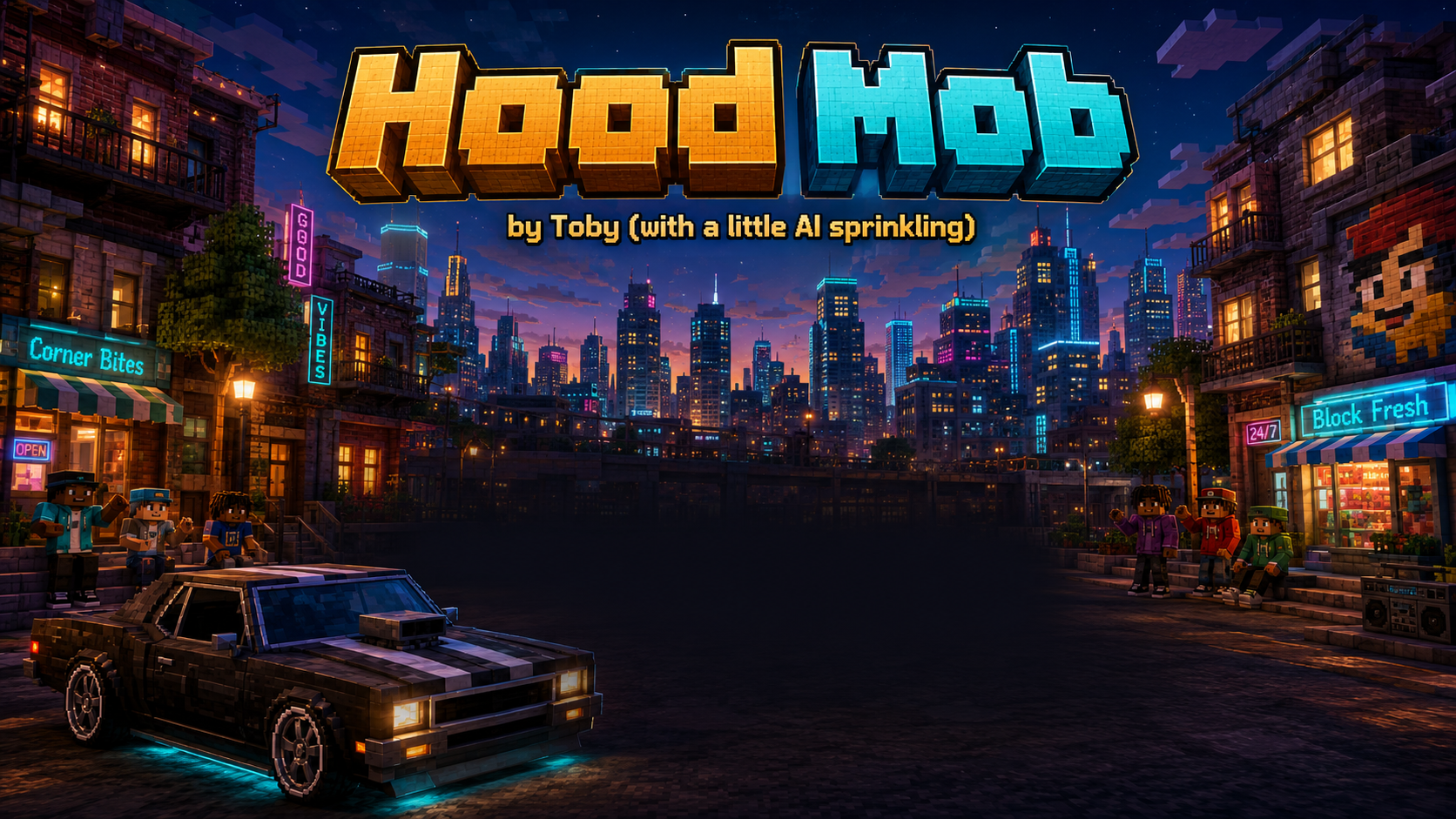
Hood Mob loading artwork: a blocky car on a neon-lit city street, with skyscrapers behind it
WELCOME TO THE NEIGHBOURHOOD Loading artwork · illustrative, not a gameplay screenshot
03

Cities to explore

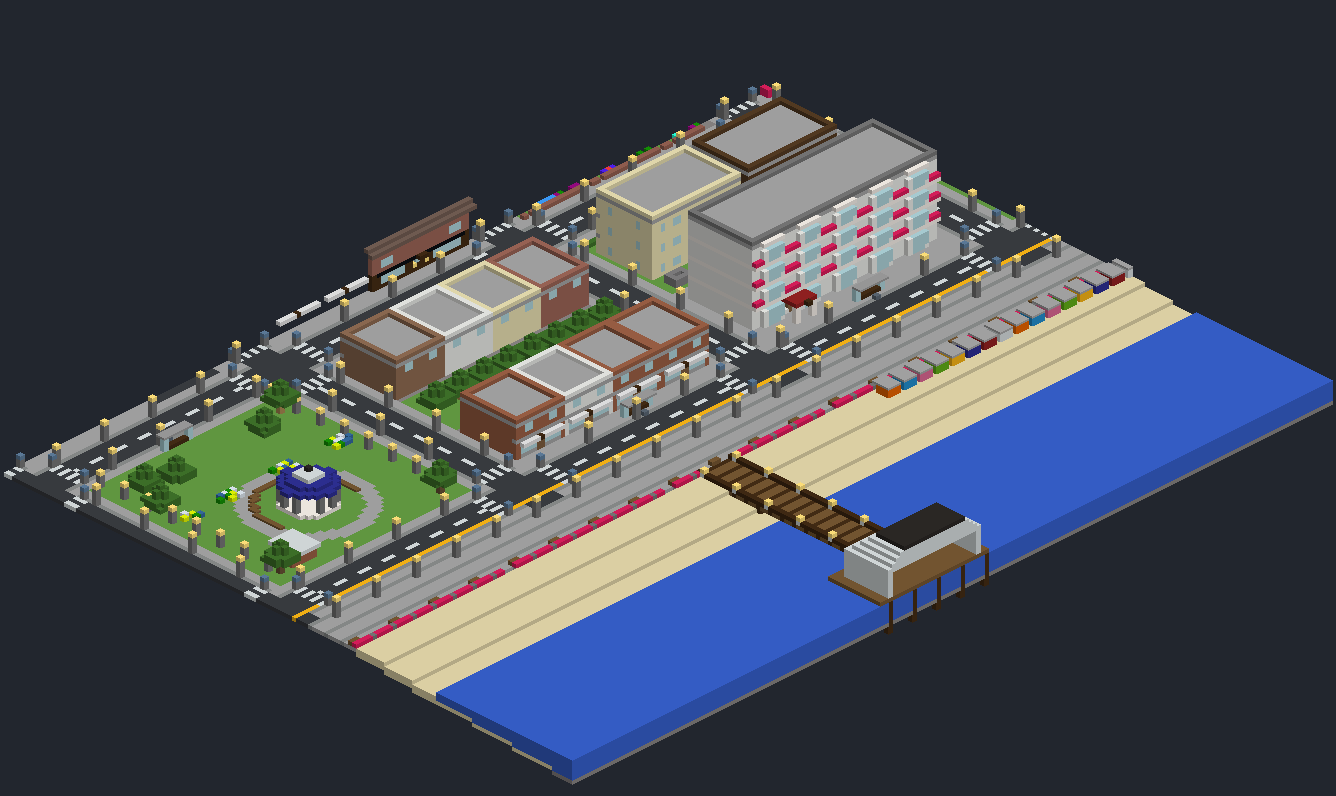
Oakside, Southside and Kingpin Metropolis. Connected roads, houses and towers up to 13 storeys.

54

Buildings to discover

Homes, apartments, garages, gun shops and health shops. Buy a car or catch a free coach.

40

NPC appearances

Civilians, thugs, gangs and street traders. Dynamic encounters, Hood Coins, weapons, armour and tonics.

FROM DOWNLOAD TO DOWNTOWN

Get into the world.

You'll need your own copy of Minecraft Bedrock.

  1. Import the add-on

    Download the .mcaddon above and open it with Minecraft. Wait for both packs to import.

  2. Create a fresh Flat world

    Choose the classic grass, two dirt and bedrock layers. Enable Cheats, turn off the bonus chest and activate both Hood Mob — Behaviours and Hood Mob — Resources.

  3. Build your cities

    Stand on the grass and enter this in chat:

    /function hood/start

    Keep the world open while it checks the land and builds. This can take several minutes. When it finishes, you start in Oakside with empty pockets.

LATEST UPDATE · 5 SEPTEMBER 2026

v0.3.2 improves city loading.

City setup now waits longer for distant terrain and temporarily moves you above a stalled area in Creative mode to help it load. Your position and game mode are restored afterwards. The earlier shop-sign fix is included.

Already using v0.3.0 or v0.3.1? Save and leave your world, import the new download and confirm both active packs show v0.3.2. Reopen the same world and run /function hood/start.

If setup stops, /function hood/status shows saved progress and the last error.

Before you jump in

DEVELOPMENT BUILD

115 automated tests pass. The add-on has not yet been fully playtested inside Minecraft, so gameplay and compatibility issues may remain.

Controls at a glance

Use emerald-block shop tills to buy items. Use/right-click to fire; sneak + use to reload. Interact with your car to enter, use movement controls to drive, and sneak to exit. Coach stops offer free travel between cities.

Run /function hood/help for the in-game guide.

Verify your download

The add-on is a 2,694,096-byte file. Its SHA-256 checksum is:

2a35bad0df9909df64d923dadecaba3590a60f3eb0517034f24f841ff3888513

Download checksum file ↓